Alternativa by inDrive
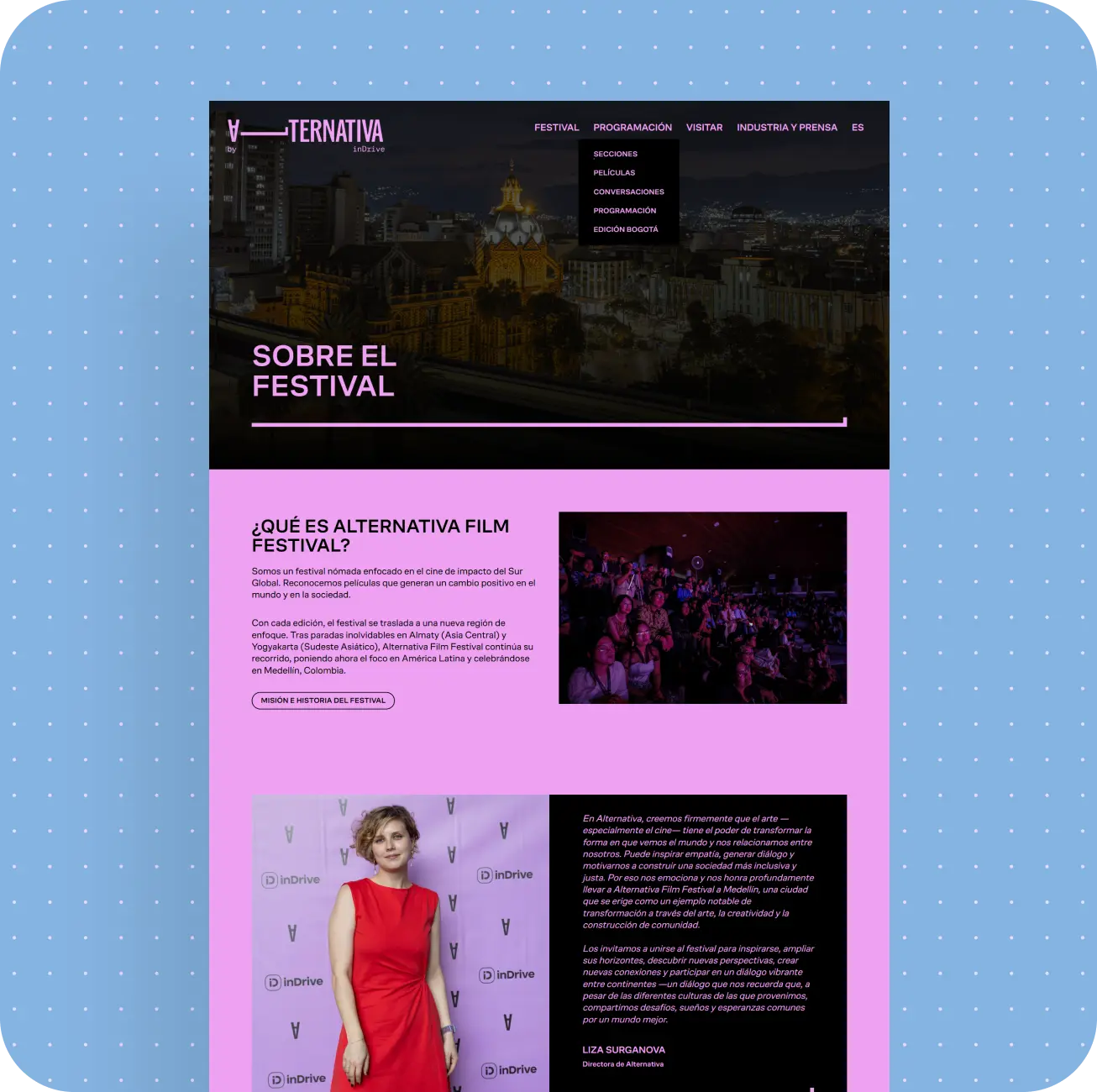
A live website for Alternativa by inDrive, improved through CMS consolidation, better stability, and easier day-to-day content management.





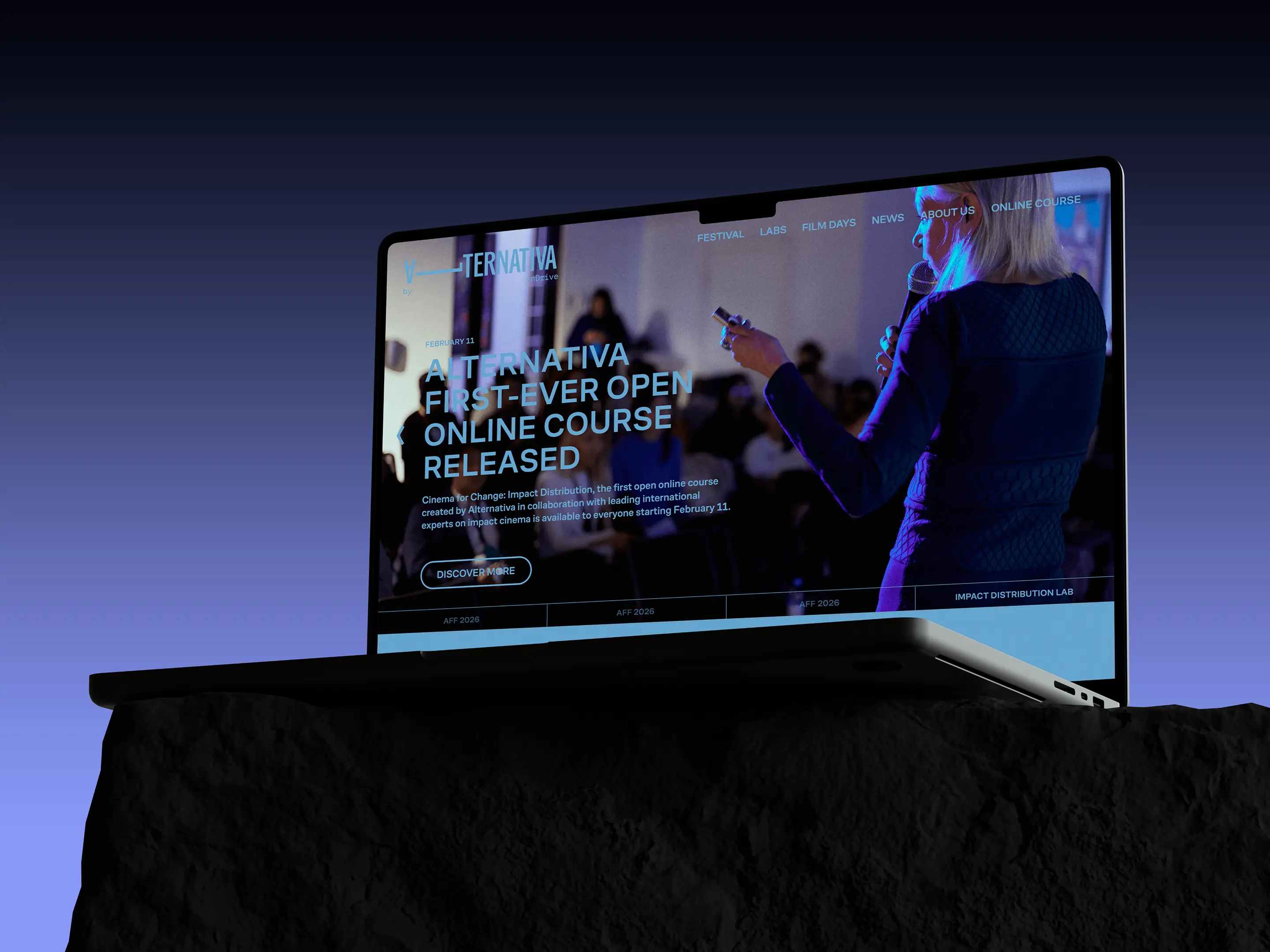
Alternativa is a global nonprofit initiative by inDrive that supports filmmakers from the Global South. This wasn't our first project with inDrive, so we got up to speed quickly.
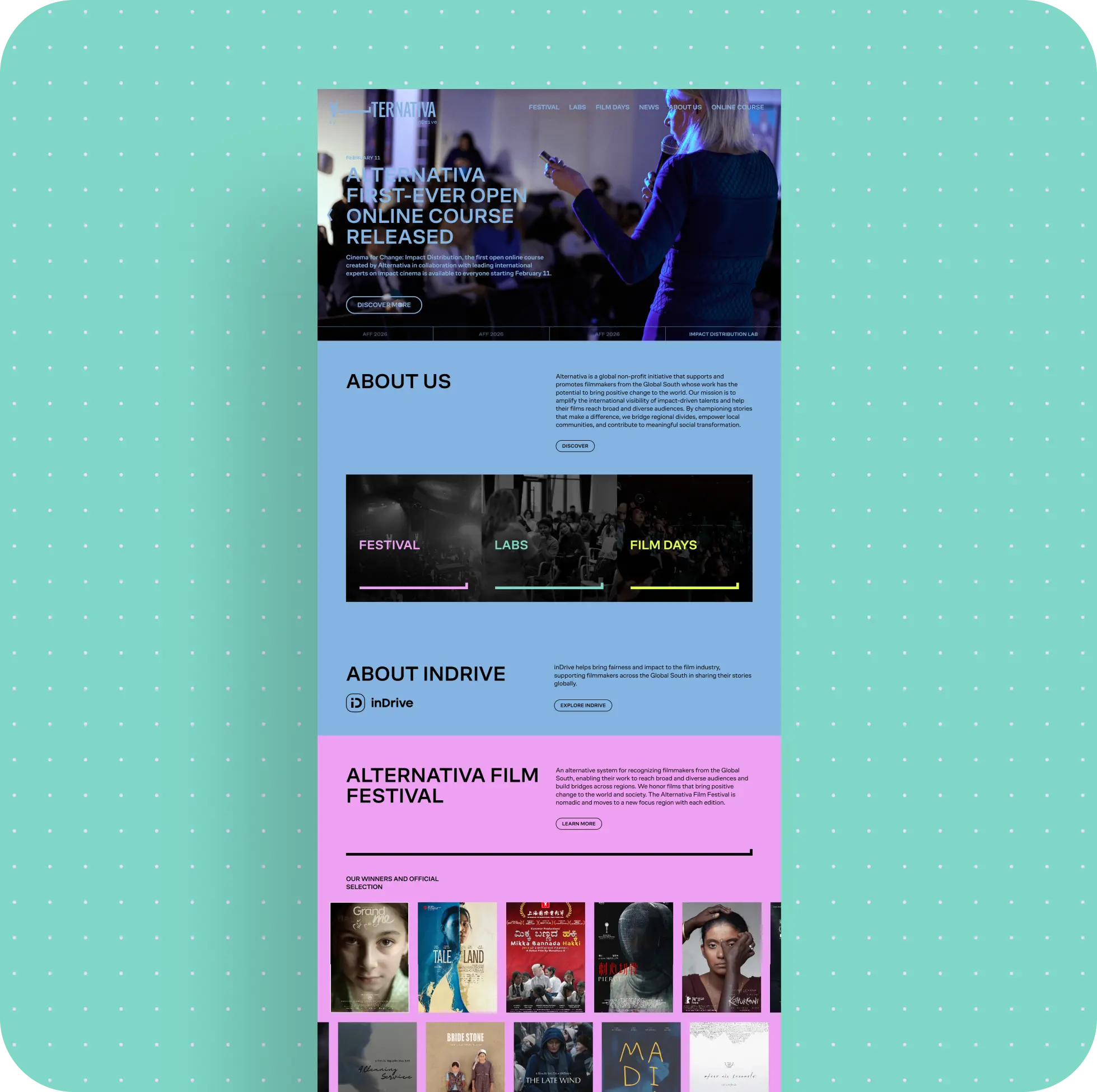
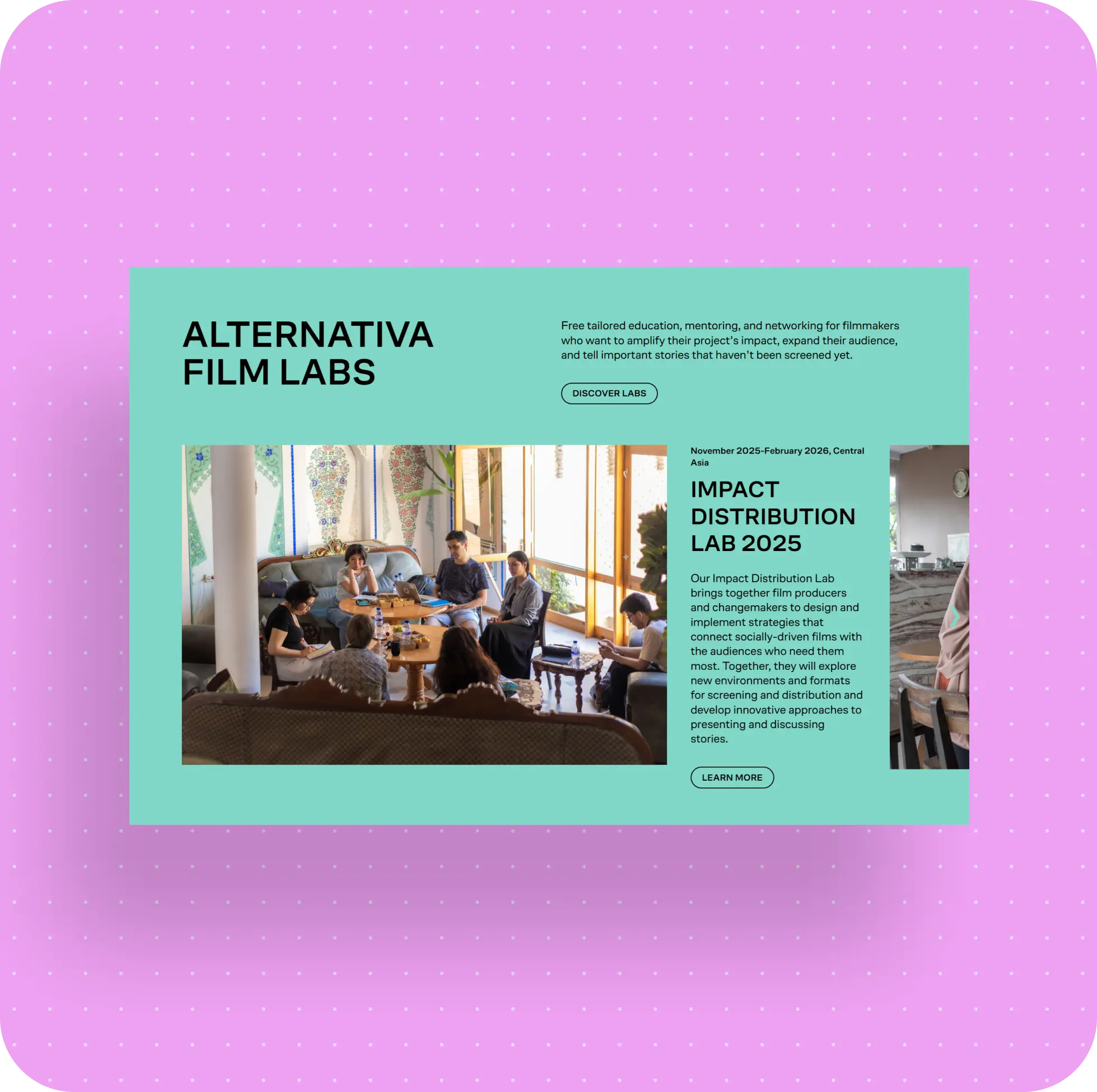
By the time we joined, the initiative already had a live website: a content portal with news, events, courses, festival materials, and program pages. It wasn't a complex platform with user accounts - the main challenge here was the content structure, ease of administration, and overall site stability.
The team came to us not for a build from scratch, but with an existing live product inherited from another vendor. At first, the request looked like a straightforward list of technical tasks: fix bugs, stop the site from freezing, and make the admin panel easier to use. But it quickly became clear that the issue wasn't just a set of isolated errors. The site was hard to maintain because its management structure was fragmented.
This case study is about how we untangled someone else's system and made a live website more stable, easier to understand, and more convenient for day-to-day work.
What Started as Ongoing Support Turned Into Untangling Someone Else's System
At the beginning, the tasks looked familiar: fix a few frontend issues here and there, eliminate freezes, and improve the admin experience. Some of the requests really were small: fixing visual inconsistencies, adjusting specific interface elements, and adding needed buttons or links.
For example, some of the work involved very typical frontend fixes - spacing, the behavior of individual sliders, and minor UI elements - while some of it involved more practical CMS issues, where it wasn't clear to the team what was missing to publish a page or where exactly to find a needed setting.
But once we started digging into the project, it became clear that this wasn't really about a random collection of small bugs. The site had come to us from another vendor, and along with it came all the logic that had built up as the project evolved. So before we could "quickly fix a few things," we first had to understand how the system actually worked - and what exactly was making it harder to manage.
What the employer got: instead of a grab bag of random fixes, they got a clearer understanding of what was actually causing the problems. That made it possible not just to patch the site in isolated places, but to bring it into a more workable state overall.
One Website, Two Admin Panels - and More Complexity Than the Team Needed
The biggest issue surfaced pretty quickly. The same website was being edited through two different admin systems.
One Project Was Split Across Two Systems
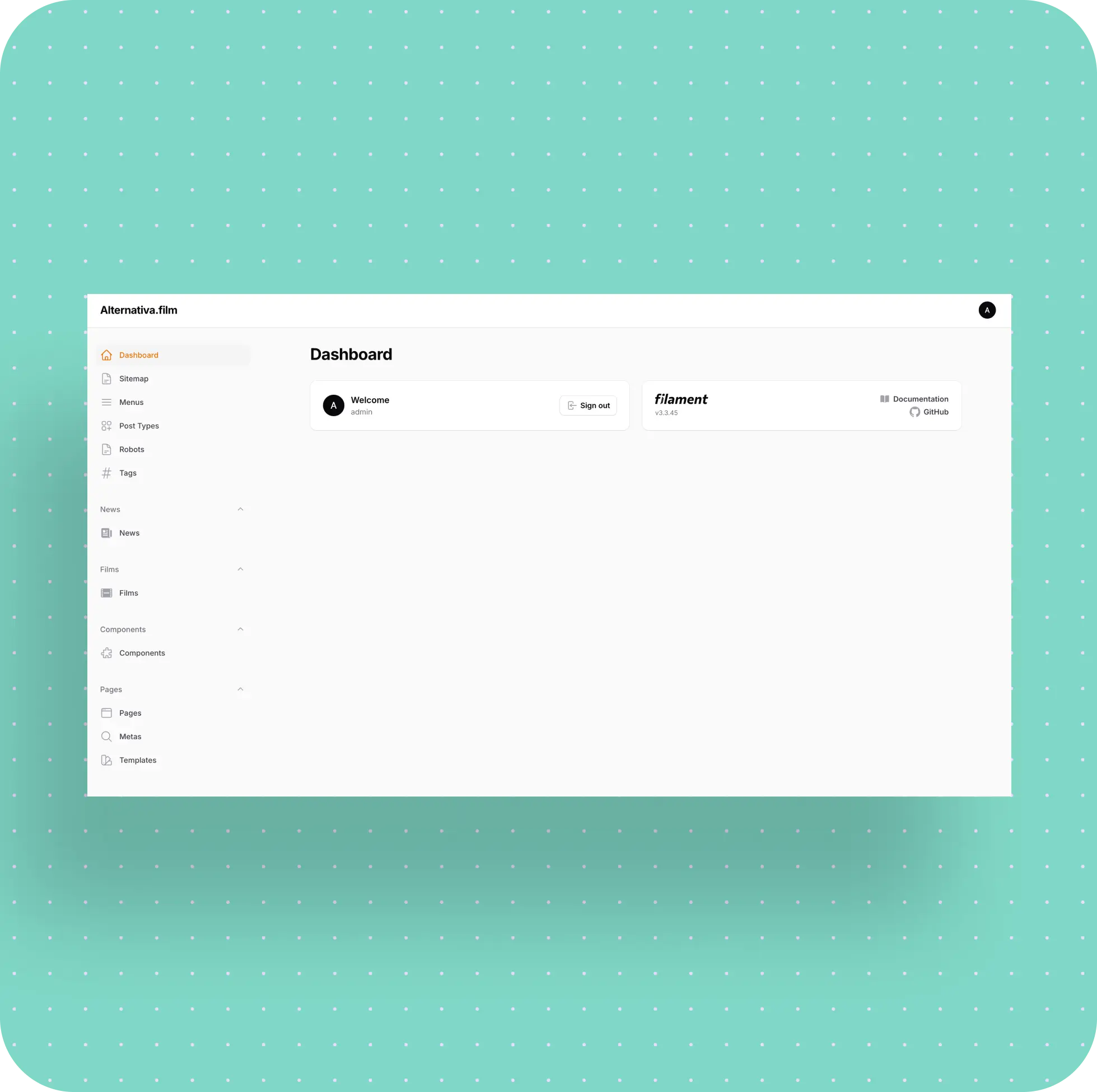
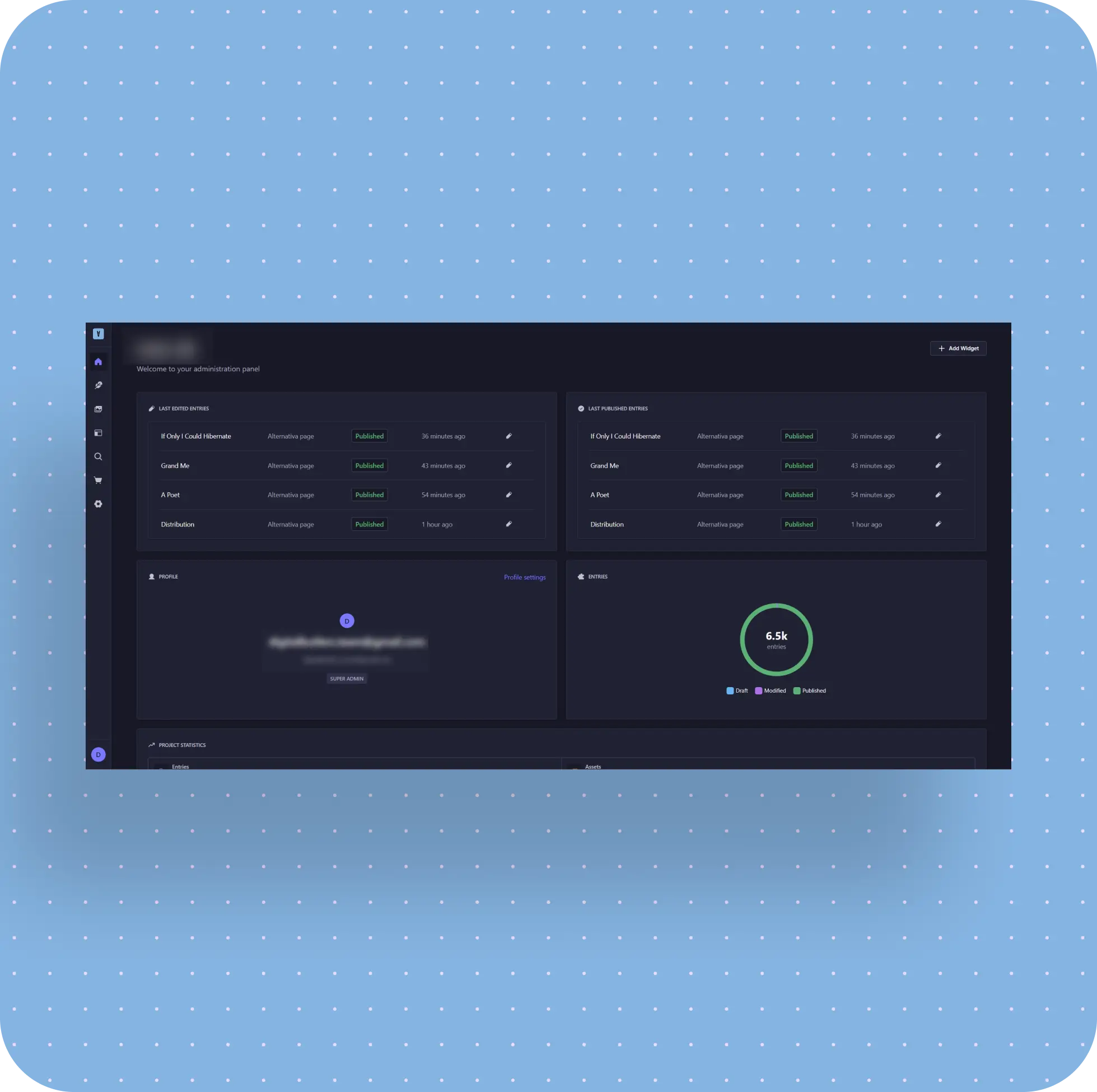
One part of the site lived in a custom admin panel built on Laravel, while another part lived in Strapi. Why it ended up that way was no longer the most important question. What mattered was that, for the team, it meant extra complexity every time they needed to change, update, or publish something.
They had to remember:
- which part of the site lived where;
- which admin panel to use for each update;
- how both systems worked;
- what could break, and where, after changes were made.
From what we saw in the project, the setup had evolved gradually: first the site existed as a regular static frontend, then one part got a custom admin panel, and later another part was connected to Strapi. In the end, one website had been split across two different CMS logics.
We Brought the Fragmented Setup Together in One CMS
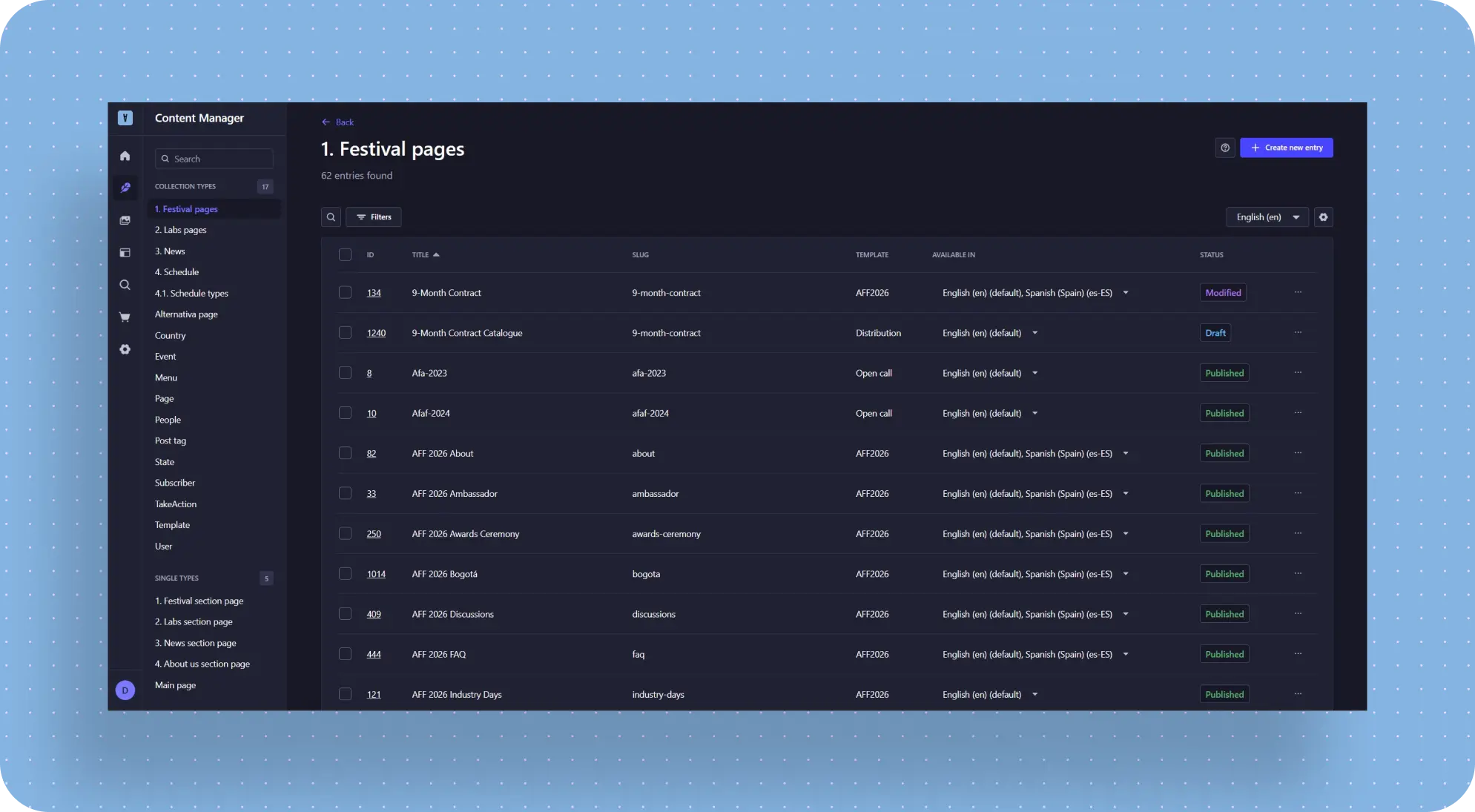
There was no point in continuing to support that setup, so we moved the necessary part of the logic into Strapi and made it the main CMS for the site.
At the same time, we didn't simply "move everything into another admin panel." We intentionally structured pages and components in Strapi to stay as close as possible to the old logic wherever that made the migration easier. That simplified the data transfer and reduced the amount of abrupt change the team had to deal with.
This approach mattered not only from a technical standpoint: the closer the new structure is to a familiar logic, the easier it is for the team to adapt after migration, and the safer the transfer from the old admin becomes.
What the employer got: instead of two disconnected admin panels, they got a more unified and understandable way to manage the site. Content maintenance became easier, and new team members had a much clearer system to onboard into.
The Site Was Unstable - and Fixing That Came First
The second major issue was that the site would freeze. It didn't always look like the site was completely down, but it was unstable and didn't handle traffic spikes well.
The Site Struggled With Traffic Spikes
In practice, that meant something simple: the site could slow down or hang when it received a high volume of requests. For a live site, that alone is enough to make the team uneasy: if the platform is unstable, every release and every update becomes more stressful than it should be.
Caching Helped Reduce Load and Improve Stability
To reduce the load on the database, we implemented caching. That improved response times and made the site's performance more consistent and predictable. It's not the kind of task that looks flashy as a "wow feature," but improvements like this are often the most important ones for a live product.
What the employer got: a more stable site without constant freezing, and a more reliable technical foundation for future work.
Not All Content Was Meant to Be Available Everywhere
Alternativa had materials that couldn't be shown to every user in the same way. This mostly applied to certain courses and related pages.
Different Countries Needed to See Different Content
For example, some materials had to be available only to users from specific countries in Central Asia. If someone visited from the right region, they would see the relevant content. If not, that page shouldn't be accessible to them.
We Built Regional Content Logic Directly Into the Site
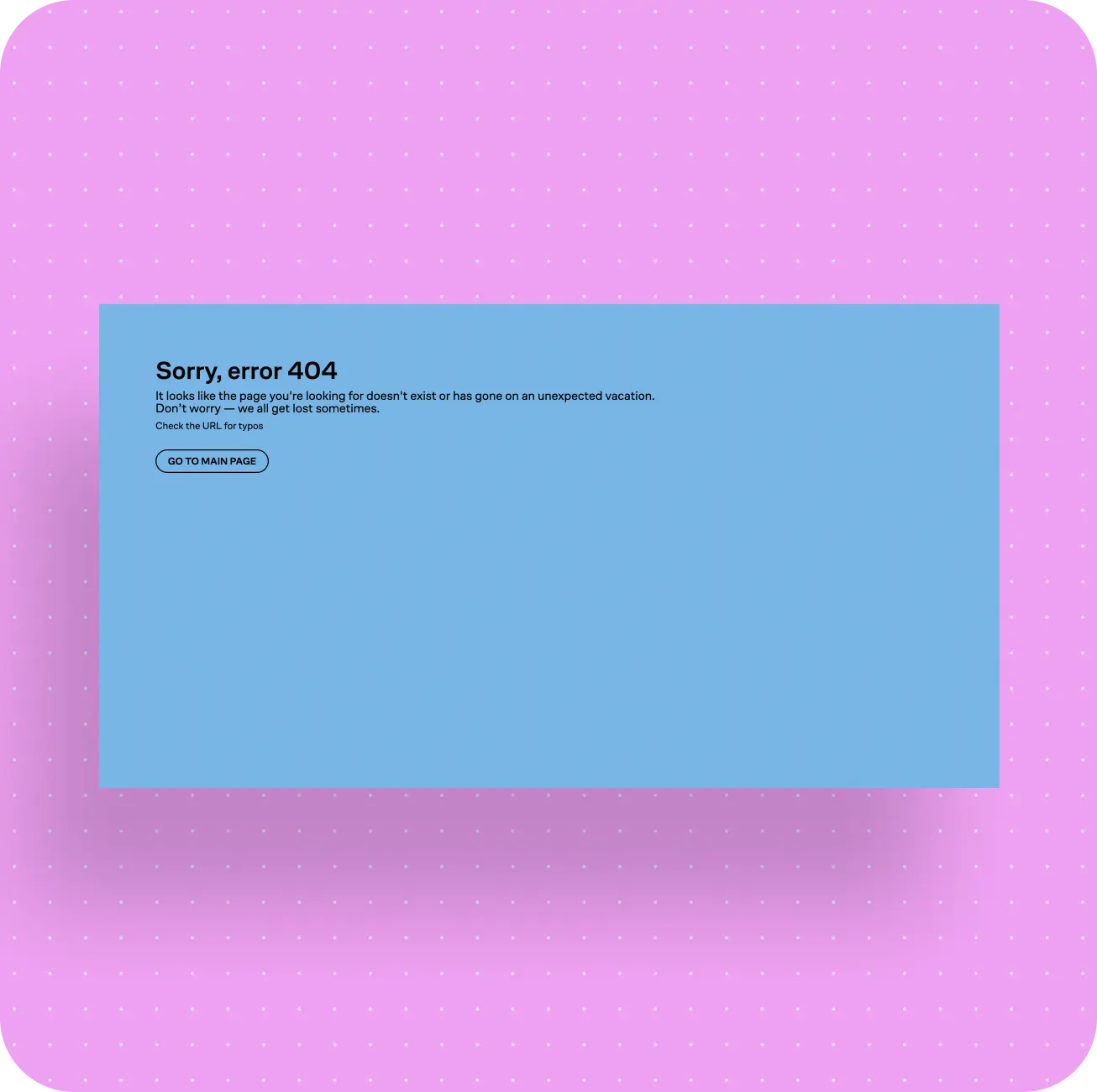
To make this work, we implemented country detection based on IP address and set up page visibility rules by region. If a user from an unsupported country tried to open that kind of page through a direct link, they would get a 404.
At the same time, this wasn't only about full access versus no access. Depending on the country, a user could also see different course selections and different sections within the site. In other words, the geo logic worked not only at the "allow or deny" level, but also at the level of what content appeared in the interface in the first place.
The Employer's Team Could Manage It Without a Developer
What mattered here was not only the restriction logic itself, but also who controlled it. We made it possible for the employer's team to define in the admin panel which countries a given material should be available in.
So this stopped being a technical change that had to go "through a developer" and became a normal working setting inside the CMS.
What the employer got: the ability to manage regional content availability independently and work more precisely with materials that depend on a user's country.
The Site Needed a Second Language - but Not Everywhere at Once
The site originally existed only in English. Later, the team needed to add Spanish, but not across the entire site all at once.
If the second language had been introduced on every page right away, it would have created unnecessary overhead for the team. Not every section was ready for translation at the same time, and not every section needed it.
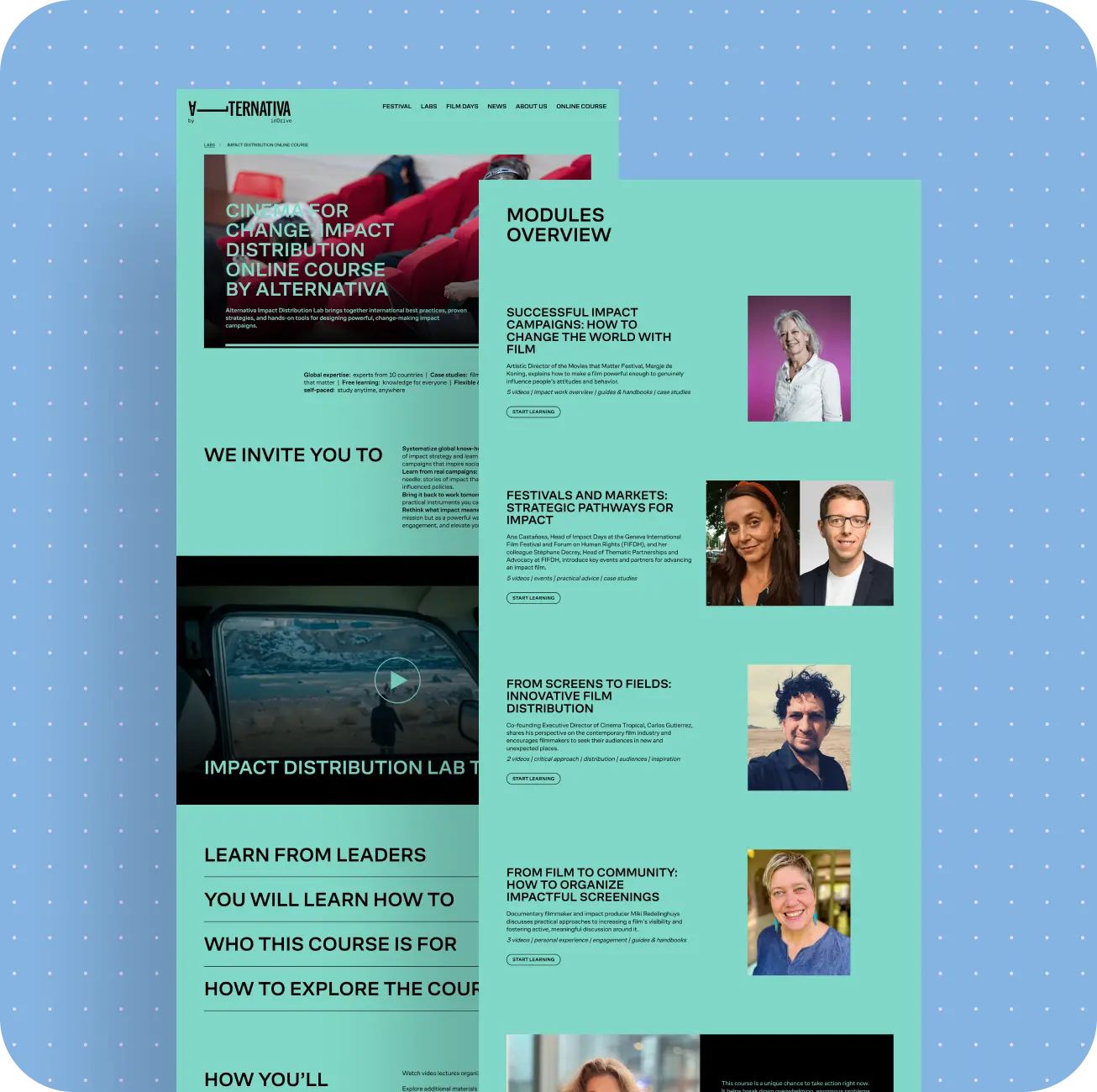
We added logic that made it possible to enable multilingual support not for the whole site, but only for the specific sections and pages where it was needed. Where a page required a second language, a language switcher appeared. Where it wasn't needed yet, the page remained English-only.
That gave the team a much more realistic way to grow the site: not by translating everything at once, but by moving step by step.
What the employer got: a flexible way to develop the Spanish version without having to translate the entire site at once.
One of the Biggest Usability Issues Was Inside the CMS
Once the core site management structure had been moved into Strapi, another issue surfaced: it wasn't convenient for the content team to work with the blocks inside the admin panel itself.
Each Page Was Built From Dozens of Content Blocks
On the site, pages were assembled using dynamic zones. In practice, that means a content manager builds a page from ready-made component blocks. Each block has its own structure: sometimes it's a heading, text, and button; sometimes cards; sometimes a visual module; sometimes a program or event block.
There were a lot of these components in the system - around 50. The order in which the content manager selected those blocks in the CMS directly determined the order in which they appeared on the actual page. So ease of working with them affected not only how fast a page could be assembled, but also the final content structure on the site itself.
Choosing the Right Block Was Too Much of a Guessing Game
The problem was that, in its default form, Strapi didn't do much to help people navigate that process:
- block names didn't fully fit;
- a name alone didn't always make it clear what a component actually was;
- without visual context, people had to remember what it looked like on the site;
- sometimes they had to open a block just to inspect its fields and figure out whether it was the right one.
So even routine page assembly turned into a kind of memory-based task.
The Problem Became Even More Obvious When a New Team Member Joined
At one point, a new employee from the employer's side joined the project. They needed to start working with the site quickly, but the old instructions were incomplete and no longer fully relevant after the CMS changes. The manuals the team already had referred to the old admin panel and no longer covered the new workflows introduced after the systems were consolidated.
Because of that, extra time had to be spent on explanations, answering questions, and helping with navigation inside the system. It made it clear that the issue wasn't about whether the admin looked "nice," but whether it was actually understandable for someone using it every day.
We Added Component Previews and Made the CMS Easier to Use
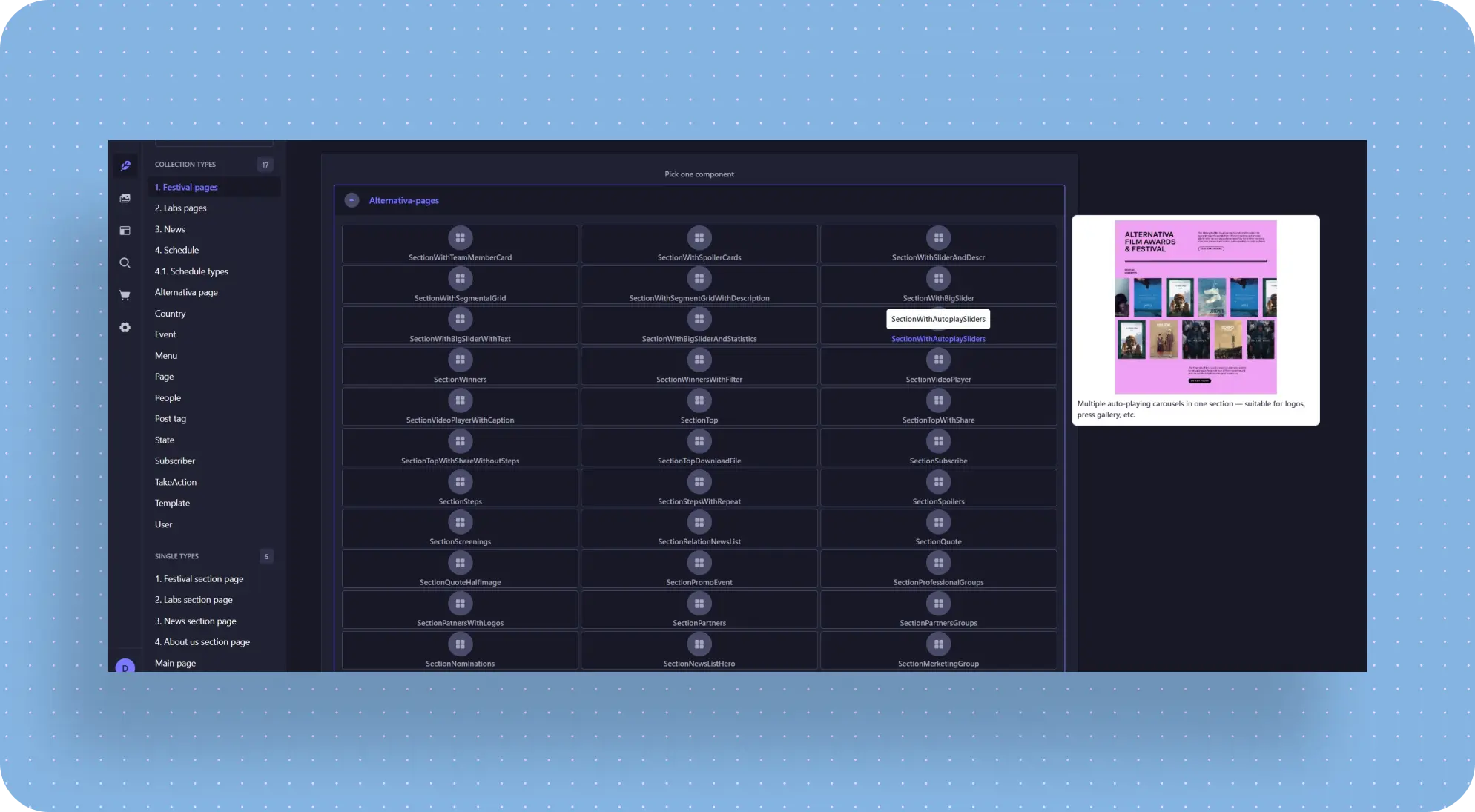
To simplify the workflow, we customized the Strapi admin panel:
- enlarged the component cards;
- made full names readable;
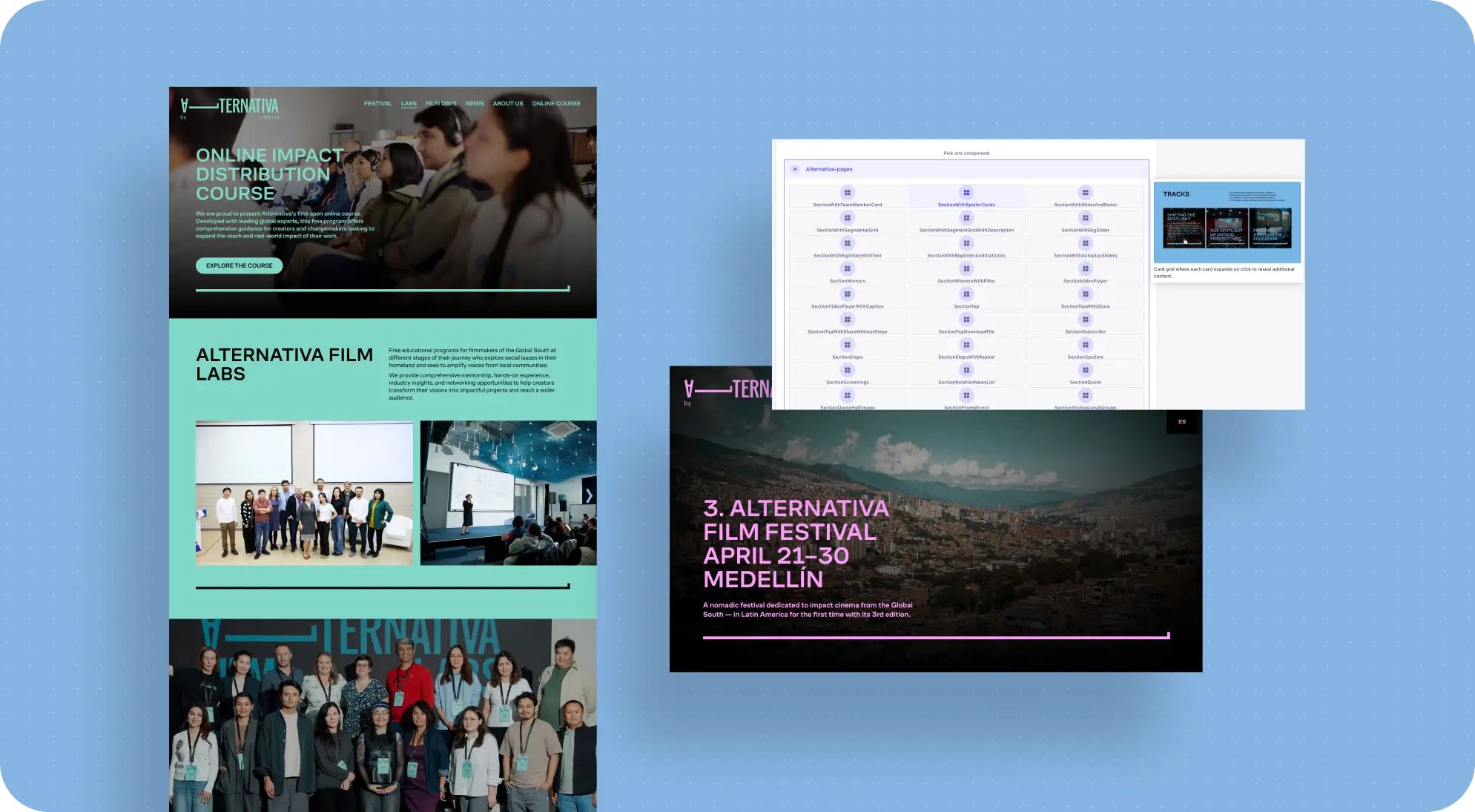
- added hover previews, so that when a content manager hovered over a block, they could see what it looked like on the site;
- added short descriptions for easier orientation.
To do this, we prepared visual previews based on the existing frontend components, so the admin panel showed not an abstract block name but the actual way that block appeared to users.
As a result, blocks could be selected not from memory, but from a clear visual preview.
We Left the Strapi Core Untouched
That's also an important point. The customization was done using standard Strapi capabilities, without modifying the core. That means the system remained compatible with future updates.
What the employer got: a more understandable CMS for day-to-day work, easier onboarding for new team members, and fewer mistakes when assembling pages.
As the Project Evolved, the Site Had to Adapt Quickly
Alternativa is not a static site that gets built once and then left alone. The initiative was evolving, and the site requirements were evolving with it.
Some Requests Only Emerged Along the Way
This wasn't the kind of project where you make one plan at the beginning and then calmly follow it through to the end. Some tasks were known in advance, but some new requests only came up during the work itself. That meant we had to revisit priorities and postpone less urgent improvements.
The Festival Section Became a Project of Its Own
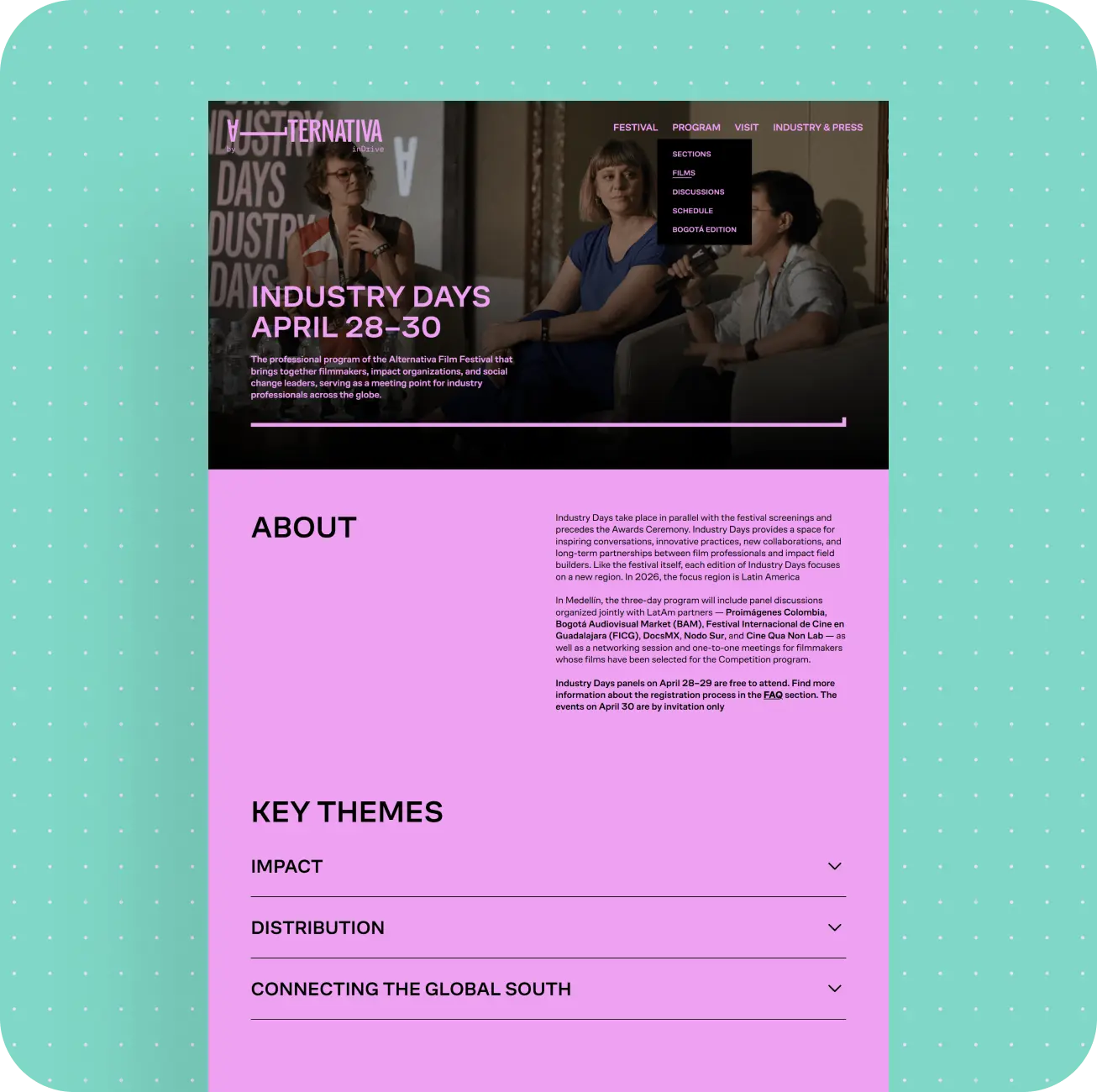
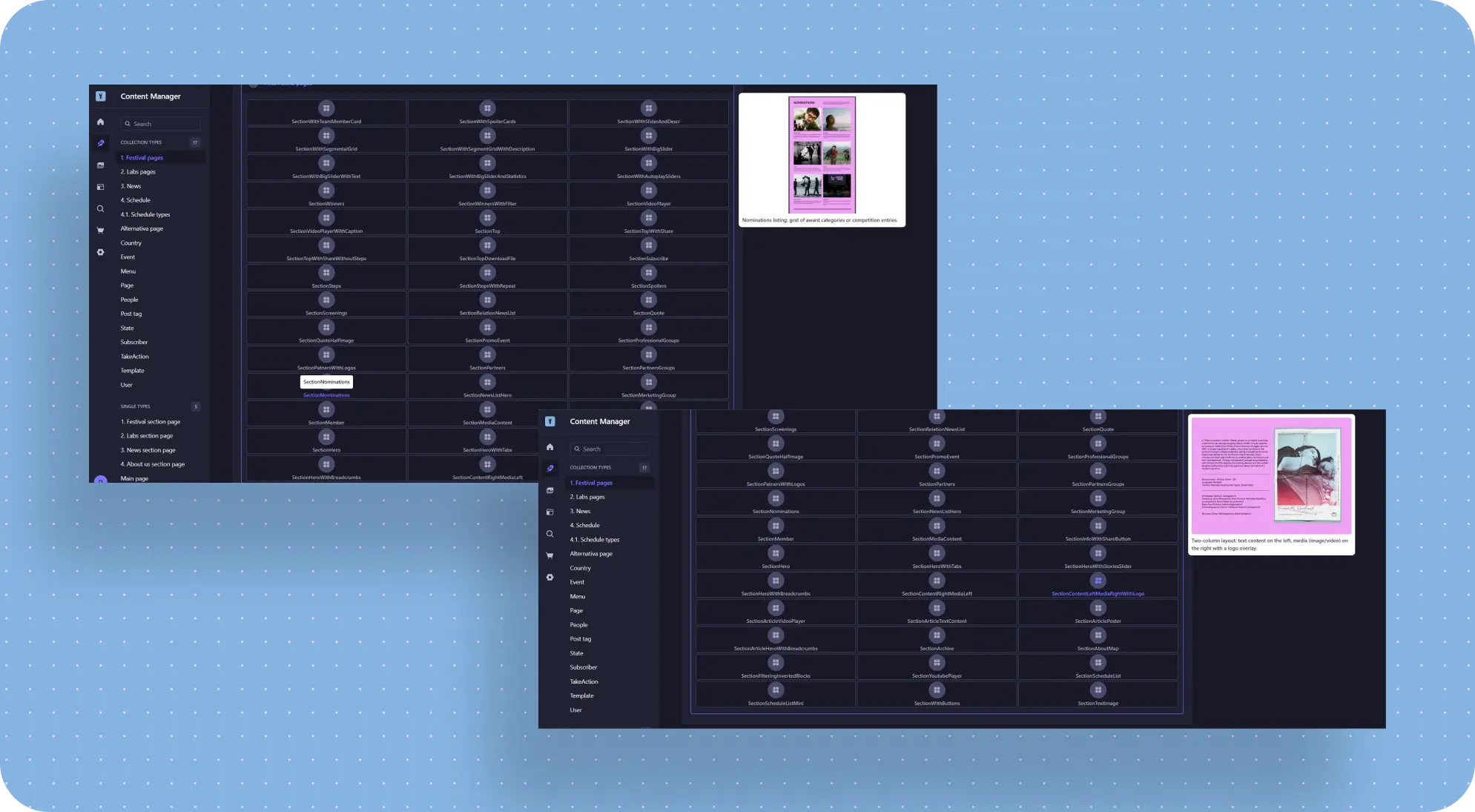
One of the clearest examples was the festival direction. At some point, it became clear that the site needed a dedicated festival section, and the current structure wasn't fully suited to it. On top of that, this became urgent fairly late in the process: by then, some other work had already been planned, but had to be pushed back so we could quickly prepare a new structure for the festival direction.
That Meant Updating Not Just Pages, but the Site Structure Too
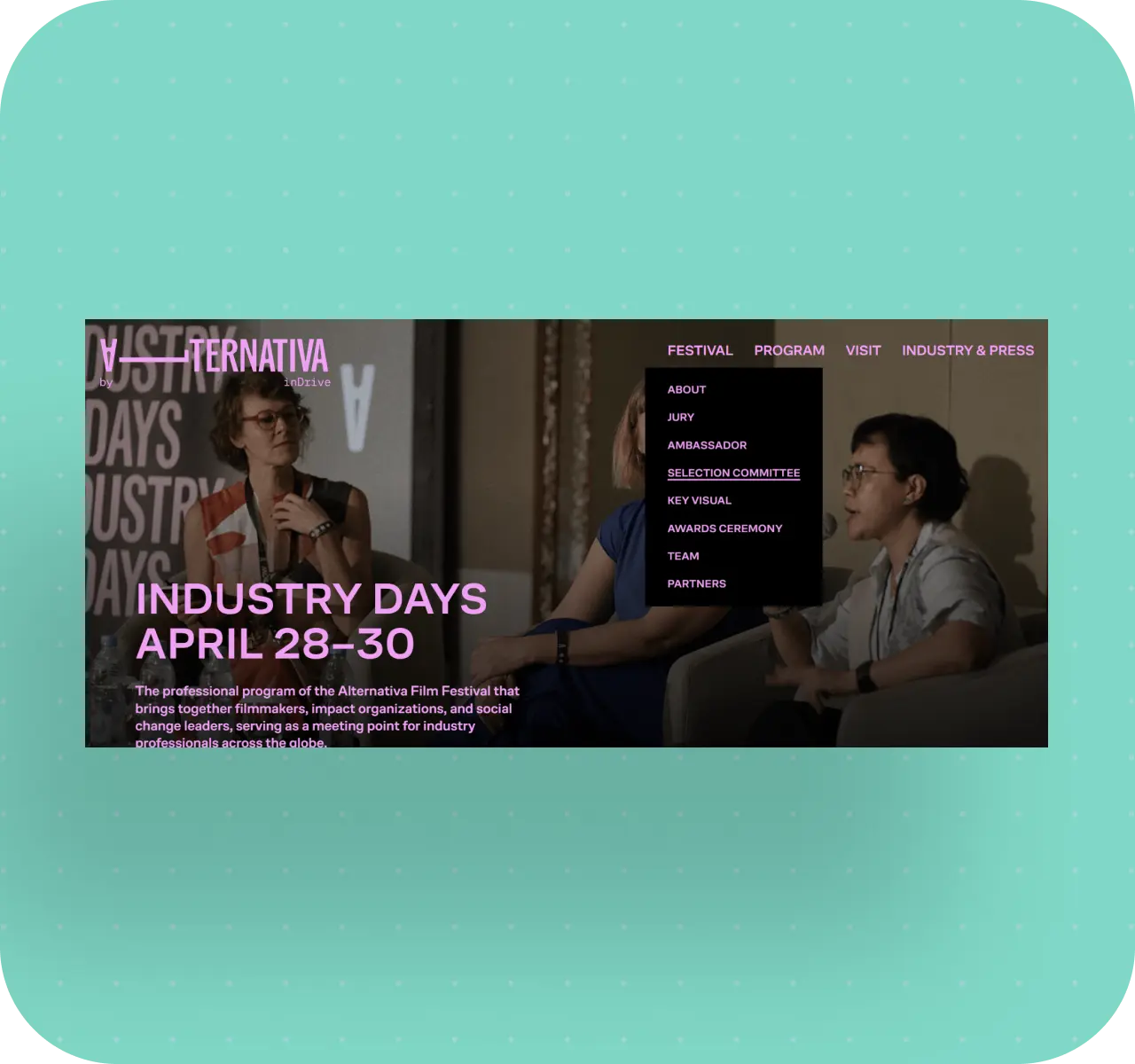
To support this new scenario, we had to revise the page structure, the menu, and the event collections, which had previously been organized too broadly.
This is exactly the kind of work users rarely notice as a standalone "feature," but it says a lot about how ready a site is for real growth.
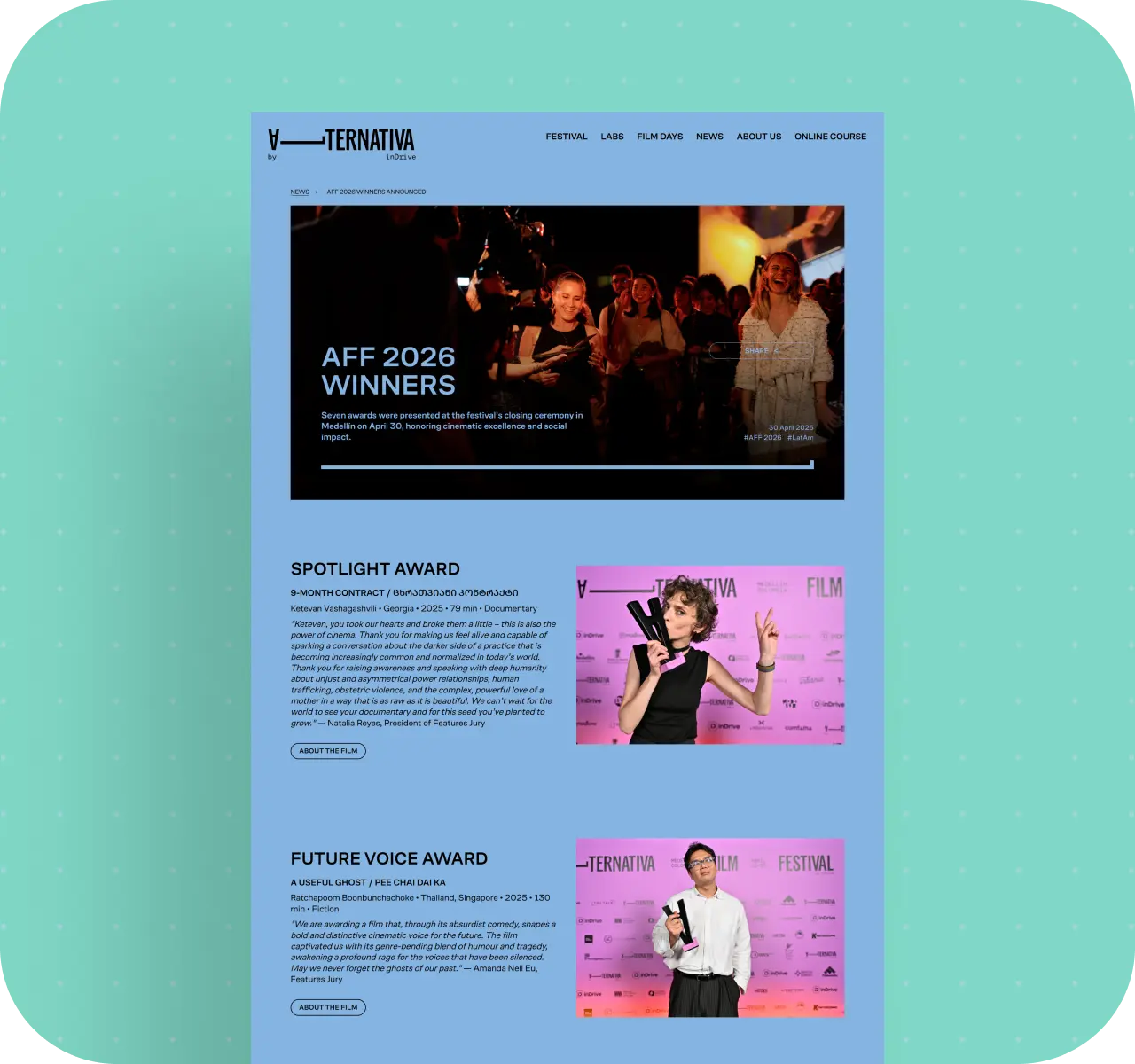
What the employer got: a more flexible site that can be adapted to new programs, events, and directions without a full rebuild from scratch.
Technical Foundation
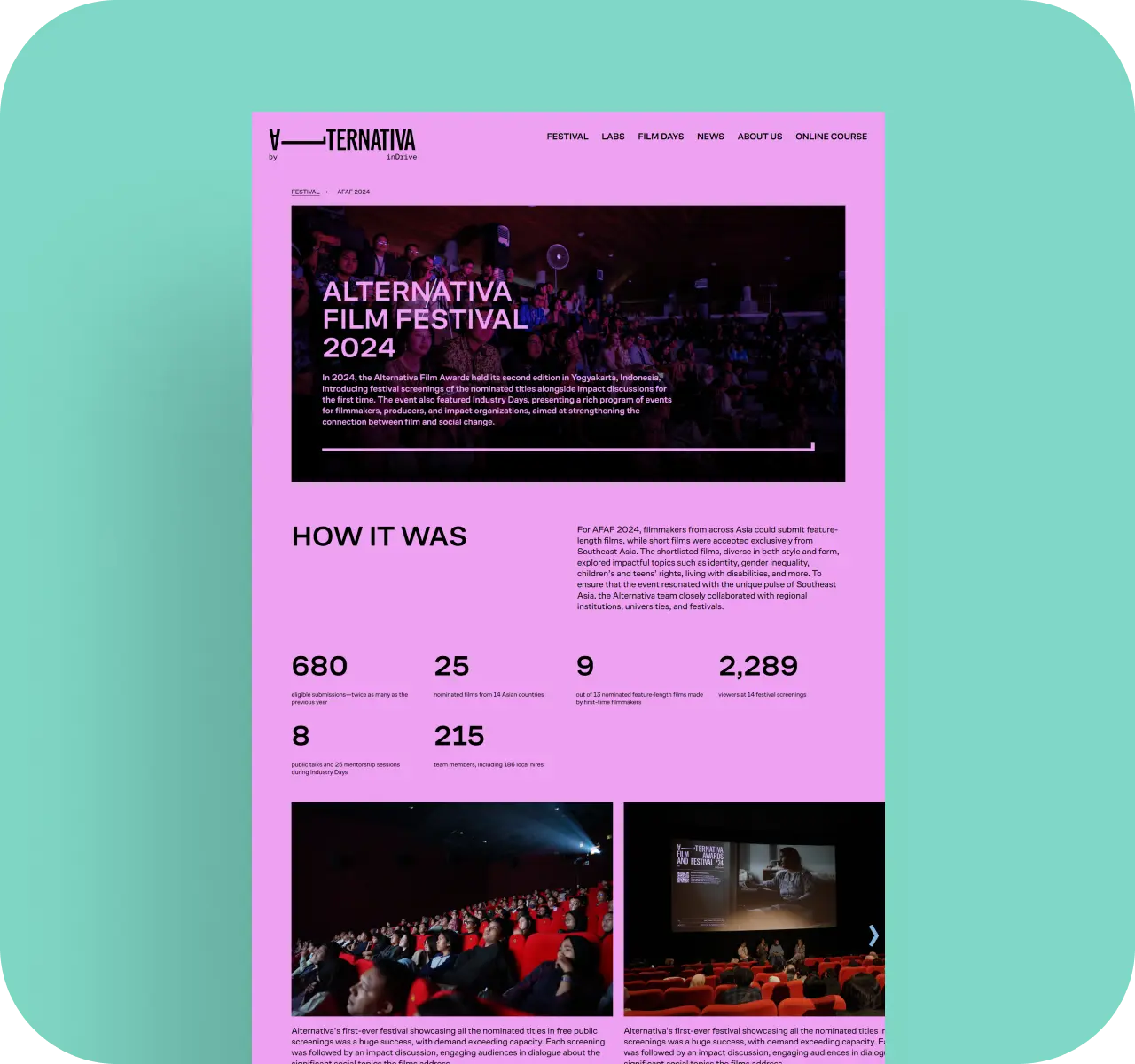
From a technical standpoint, the site was built with Vue 3 and Nuxt on the frontend. Strapi was used as the CMS. In this project, Strapi worked not just as an admin panel, but as the headless CMS and API layer for the site. Part of the old admin logic that we later migrated had been built in Laravel.
Over the course of the project, we:
- consolidated site management around Strapi;
- migrated the necessary logic from the old admin panel;
- implemented caching;
- added geo-based content publishing;
- set up selective multilingual support;
- customized the Strapi admin without changing its core.
What the employer got: a working technical foundation that is easier to support and develop further.
Results for Alternativa by inDrive
After the improvements, Alternativa by inDrive got:
- more stable site performance;
- unified and more understandable content management instead of two disconnected admin panels;
- regional logic for displaying materials;
- flexible multilingual support for expanding the Spanish version;
- a more convenient CMS for the content team;
- a structure that is easier to adapt to new sections and initiatives;
- a more maintainable technical foundation for further development.
In essence, the site remained the same project in terms of purpose, but became much more coherent in the way it was built. And for platforms like this, that is often more important than any visual redesign.
The Employer Can Now:
- manage the main content in one clearer CMS environment;
- avoid switching between two different admin panels to work with the site;
- independently configure which materials are available in which countries;
- gradually develop the Spanish version of the site instead of translating everything at once;
- build pages faster using ready-made blocks inside the CMS;
- onboard new team members more easily;
- adapt the site for new programs, events, and festival directions;
- rely on a more stable technical foundation in day-to-day work.
Conclusion
Alternativa by inDrive is a good example of a project where a team's value shows up not in a flashy from-scratch launch, but in how it works with an existing, imperfect system.
We didn't build a brand-new site from a clean slate here. We took over a live project from another vendor, quickly figured out how it worked, and systematically removed the key issues that were preventing it from working well: we brought two admin panels together into a clearer CMS setup, stabilized the site under load, simplified content work inside Strapi, added regional availability for materials, and made multilingual support more flexible.
This case matters to us because it clearly shows one of our team's strengths: we don't just launch new sites - we also know how to take over complex live projects, untangle someone else's logic, and bring a system to a solid working state without rebuilding everything from scratch. That matters especially for employers whose site already exists, is already being used by their team, and can't simply "move to a new version someday later."
Awards
About Digital Butlers
We’re Digital Butlers — a design-led team of 27 senior specialists building digital products since 2016. By choosing us, you’re getting results that are way different from what you already have — with the same commitment to your goals that Alfred has for Batman.
If you need a website, web service, or mobile app that pays off, reach out to us — we do it well.
Digital Butlers — a mature team with mature processes that deliver consistent results.


Let’s discuss your next website.
My name is Alex, and I’ll help you define the right next step.